
How Velthic.life works.
Set up your household once. Then every week runs the same loop: plan, eat, check in, adapt, shop.
Set up your household
Step 1
Register.
- What you do
- Create your account.
- What Velthic.life does
- Sets up your household space.
Step 2
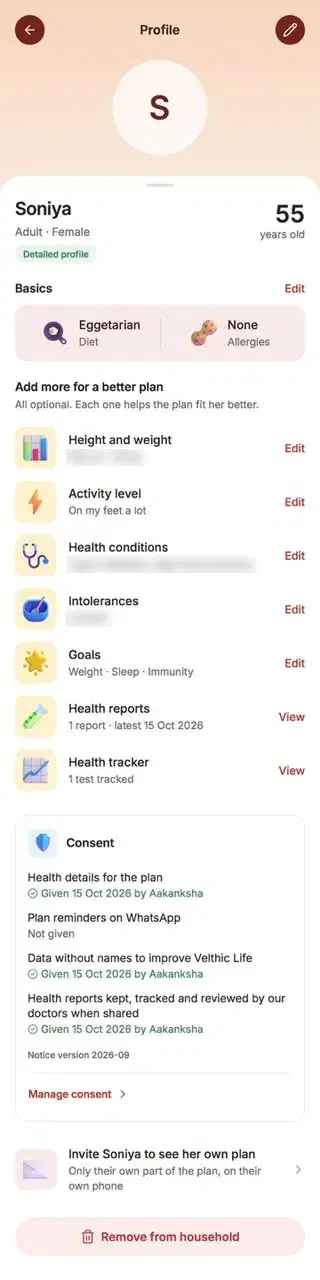
Create your profile.
- What you do
- Add your details, goals and food preferences.
- What Velthic.life does
- Builds an understanding of you as an individual.
Step 3
Add reports, lab tests and prescriptions where relevant.
- What you do
- Upload them when they help.
- What Velthic.life does
- Uses them within its planning and guidance framework.
On Plan with Experts and Plan with Support
Step 4
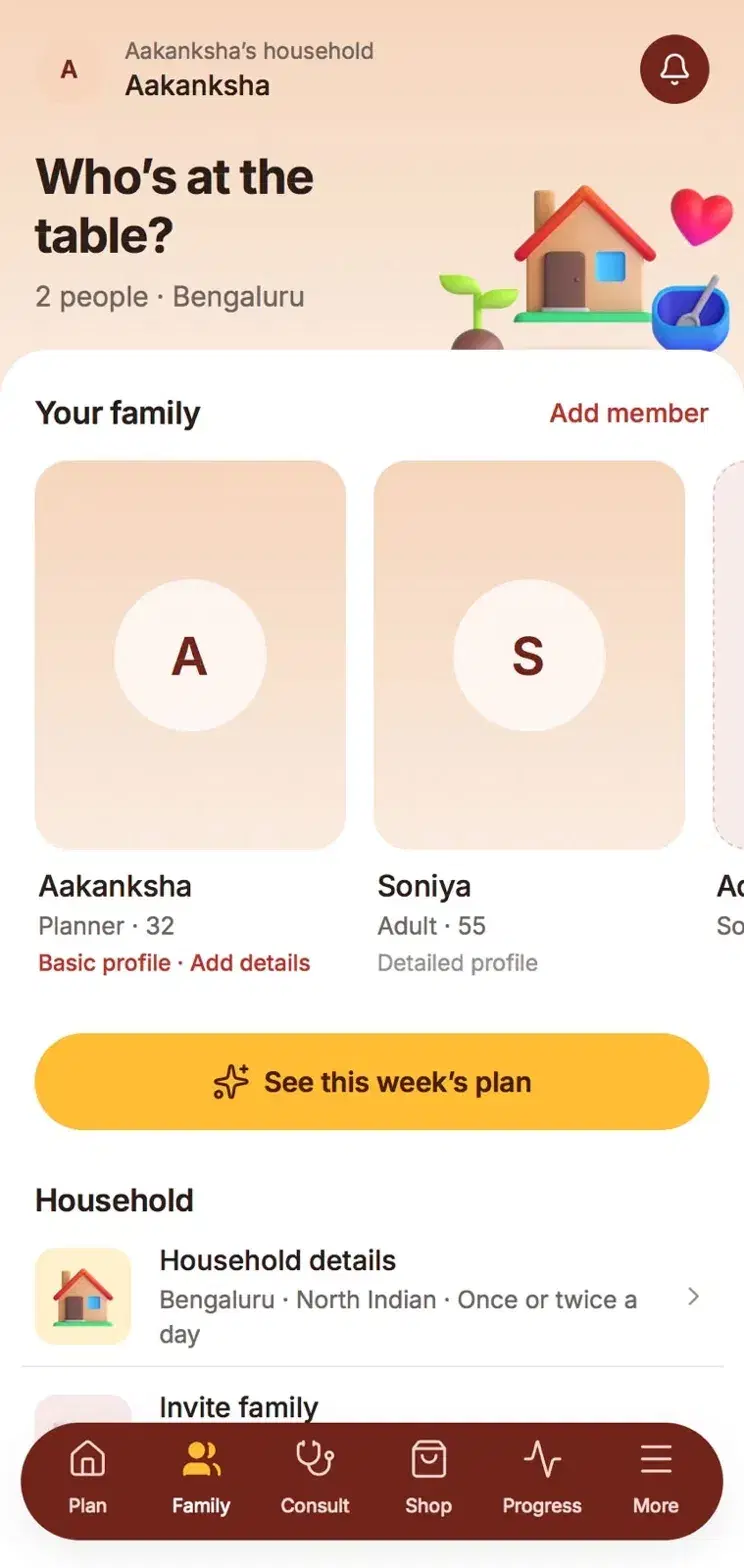
Add or invite family members.
- What you do
- Add each person or invite them to join.
- What Velthic.life does
- Builds a household view of different needs.
Step 5
Complete household information.
- What you do
- Tell us about your kitchen and routine.
- What Velthic.life does
- Shapes the plan around how your home actually works.
Every week
Step 6
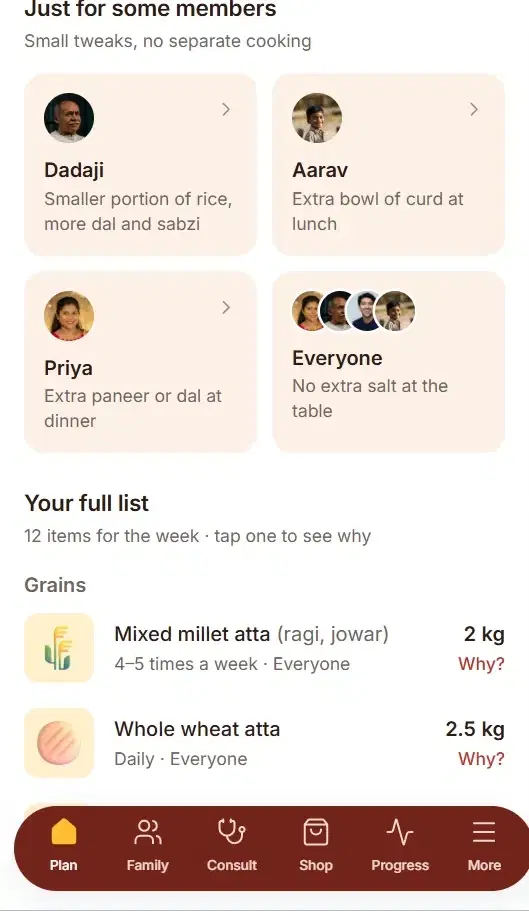
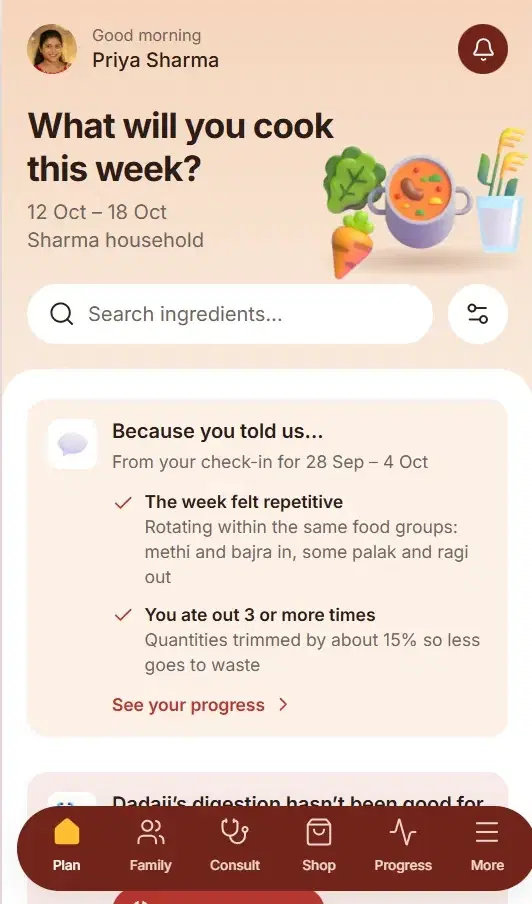
Receive the coordinated meal plan.
- What Velthic.life does
- Builds one plan around shared meals, with individual adjustments.
Step 7
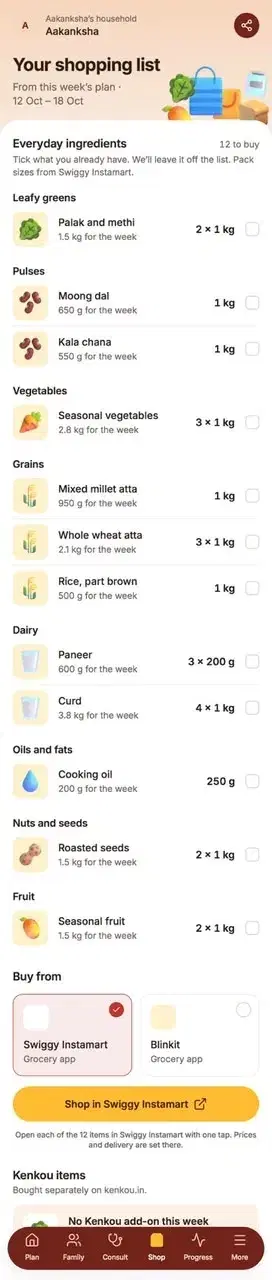
See the weekly grocery requirement.
- What Velthic.life does
- Breaks the plan into exact ingredients and quantities for the week.
Step 8
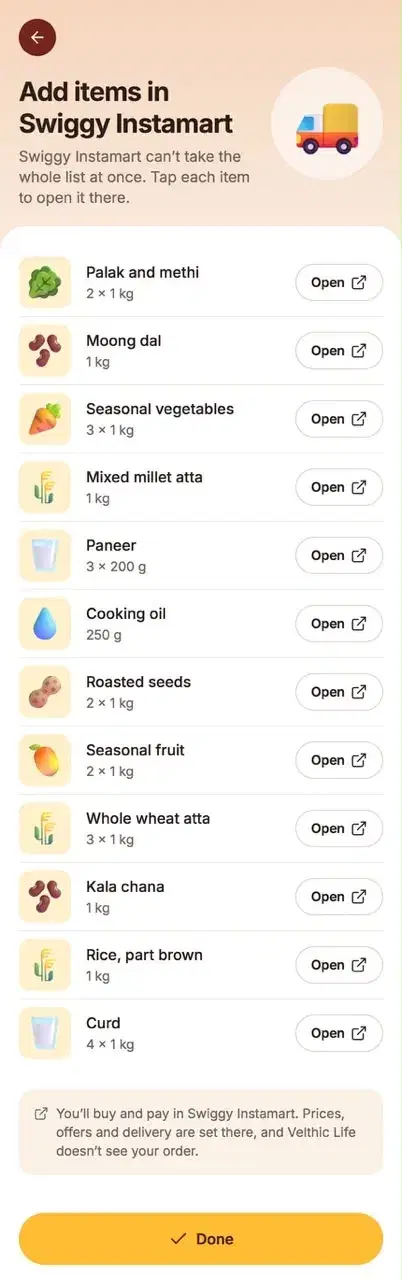
Open ingredients through grocery partners.
- What you do
- Tap through to Instamart or Blinkit.
- What Velthic.life does
- Purchase, pricing and delivery happen with the partner.
Step 9
Receive daily meals on WhatsApp.
- What Velthic.life does
- The app handles planning and tracking. WhatsApp brings the day's meals to you.
On Plan with Support
Velthic.life WhatsApp
Today's lunch: Salad, palak paneer, ragi roti, brown rice and curd.
Dad: double salad, skip the rice.
Child: extra paneer and curd.
Dadaji: skip the raw salad, soft rice.Done. Cooked once.
Step 10
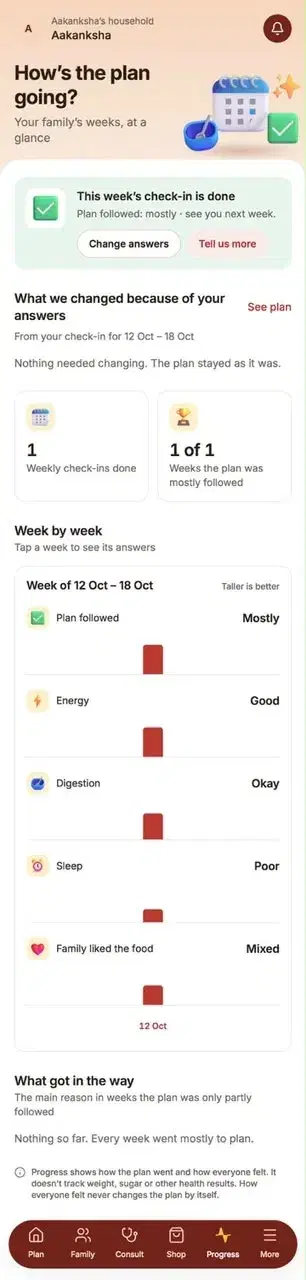
Track goals and check in.
- What you do
- Record how the week went.
- What Velthic.life does
- Learns what worked and what didn't.
Step 11
Tell us what next week looks like.
- What you do
- Say how many days you will eat at home.
- What Velthic.life does
- Adjusts the next plan to your real week.
Velthic.life Weekly check-in
How many days will you eat at home next week?
5
Done. Next week's plan and grocery list are updated.
Step 12
Receive the next adapted plan and grocery requirement.
- What Velthic.life does
- The loop starts again.
When you need more
Step 13
Reach expert support when needed.
- What Velthic.life does
- Doctors and dietitians are available for consultations alongside your plan.
On Plan with Experts and Plan with Support
Plan, eat, check in, adapt, shop. Repeat.